Nothing great starts finished. Teddy’s Future Lab began as drawings and a first simple version. We built it, tested it with real families, listened, and built it again — and every version still works. Open any of them, compare, and come back whenever you like.
1
Version 1Classic · where it started
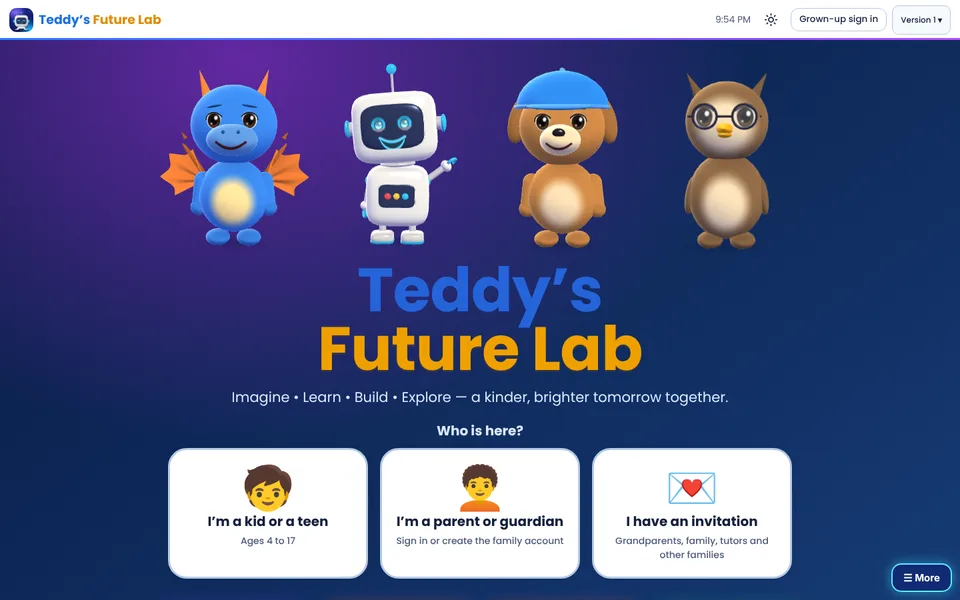
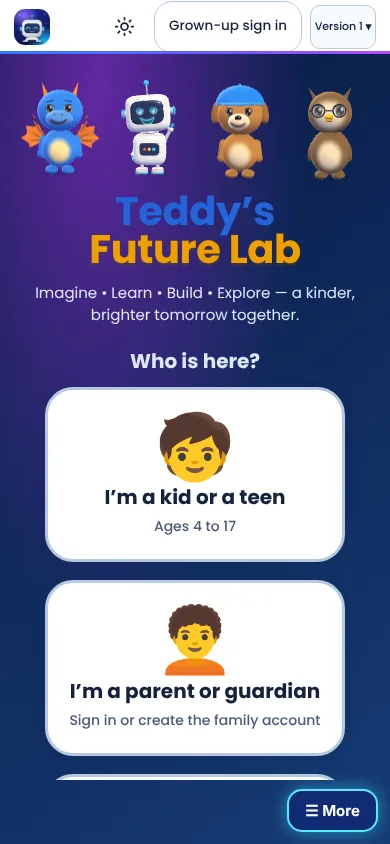
Four friendly characters, white cards and big, simple buttons. A child chose “I’m a kid or a teen”, a grown-up signed in, and the Lab opened.
ComputerPhone
What it had
Friendly characters and calm colors
Lessons, games and stories
One family account for grown-ups and children
What we learned
Children loved the characters
Teens felt it looked too young
Grown-ups wanted more say in what each child can do
2
Version 2Futuristic · the big leap
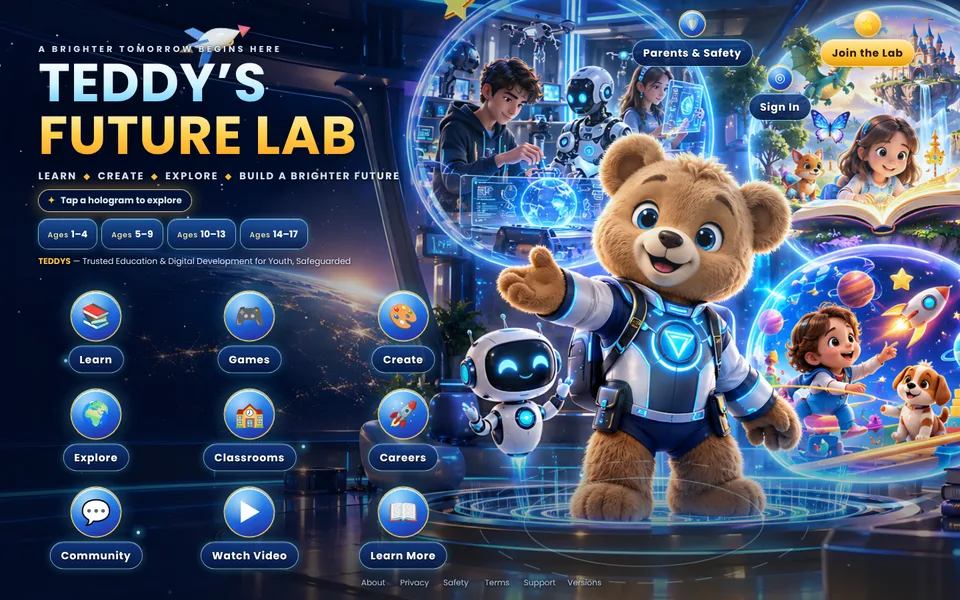
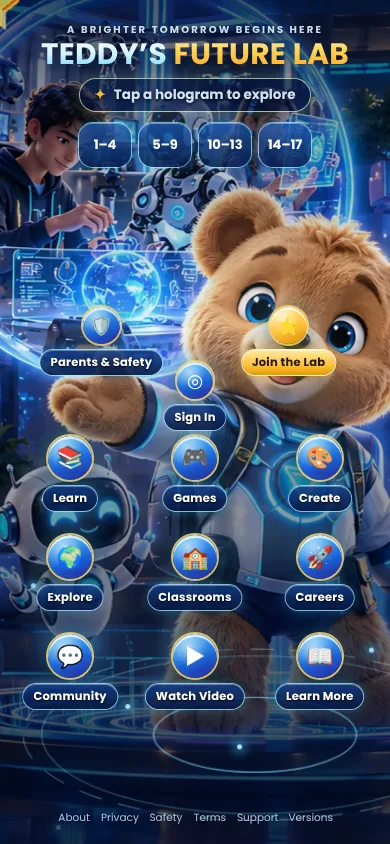
Space colors, a 3D welcome world with holograms, Teddy as a bear in a space suit and a robot helper. The Lab started to feel like the future.
ComputerPhone
What changed
A live 3D welcome world
Glowing hologram buttons
Live classes, the whiteboard and family calls
What we learned
Exciting — but busy on small phones
One look can’t fit a 4-year-old and a 16-year-old
Parents needed clear controls in one place
3
Version 3Holo Night · the night look
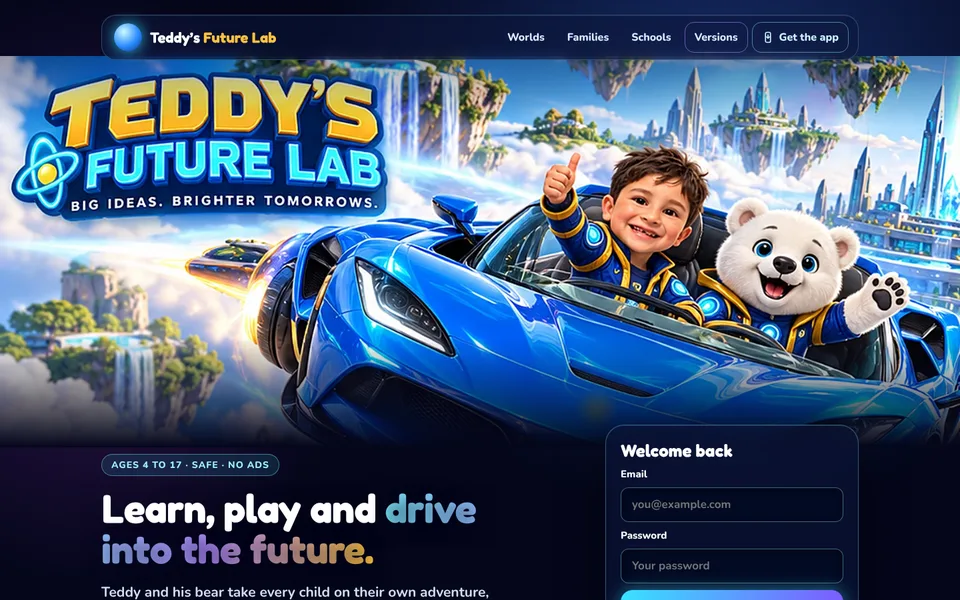
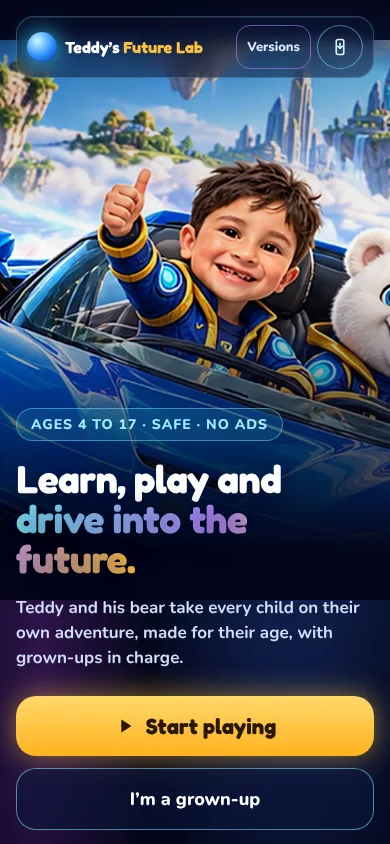
Teddy and his white bear flying over the city. A different world for every age — Bubble World, Adventure Map, Mission HQ and Command HUD — and grown-ups clearly in charge.
ComputerPhone
What changed
Four age worlds that grow with your child
Parents choose who a child can talk to and what they can use, in 8 easy steps
Children’s messages reach grown-ups’ phones, with a link straight back
Avatar voices you can change, and an app icon for the home screen
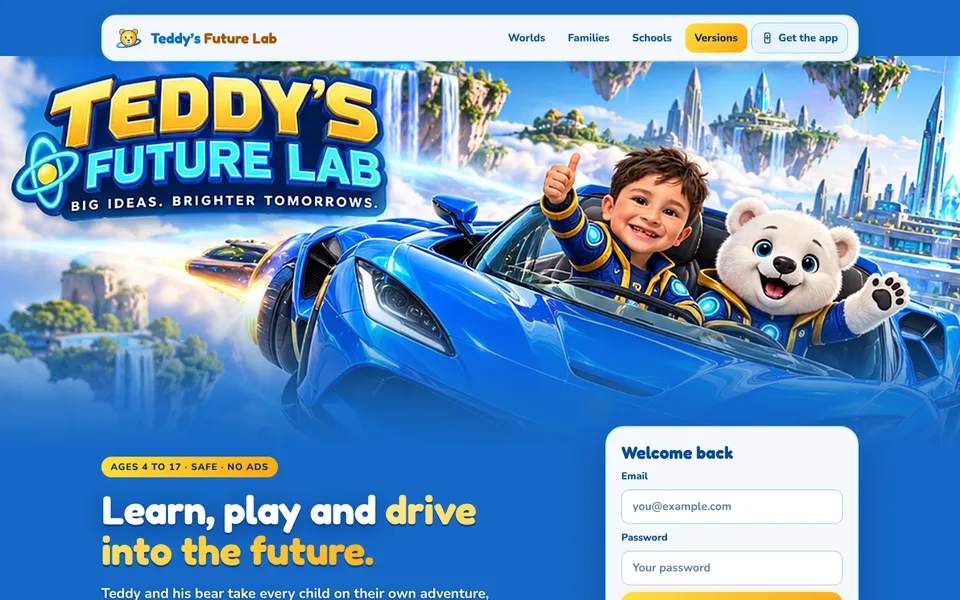
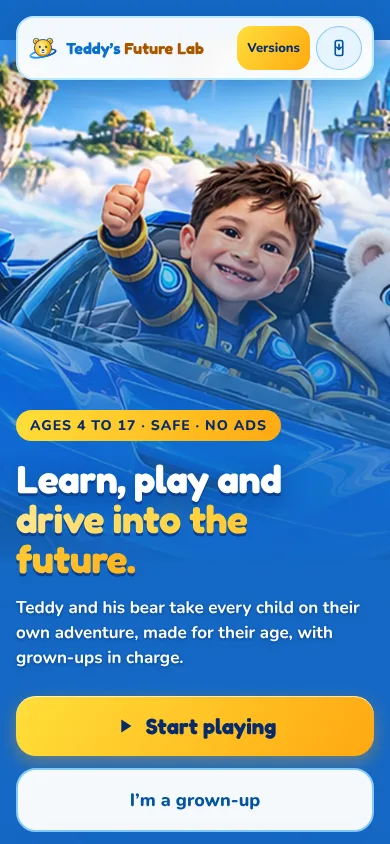
Designed together with ChatGPT and built into the same Lab: a bright daytime sky, sunshine-gold buttons and rainbow tiles — with every feature of Version 3 and many new ones.
ComputerPhone
What changed
A daytime look: blue sky, gold and rainbow colors
New games: Flying Bear Adventure, Pattern Planet, Memory Match
Snowy the white bear as a friend who cheers you on
Every app, game and invention you love went through many versions. Builders make a first try, test it, listen to the people who use it, and make it better — again and again. Mistakes are how the next version gets better.